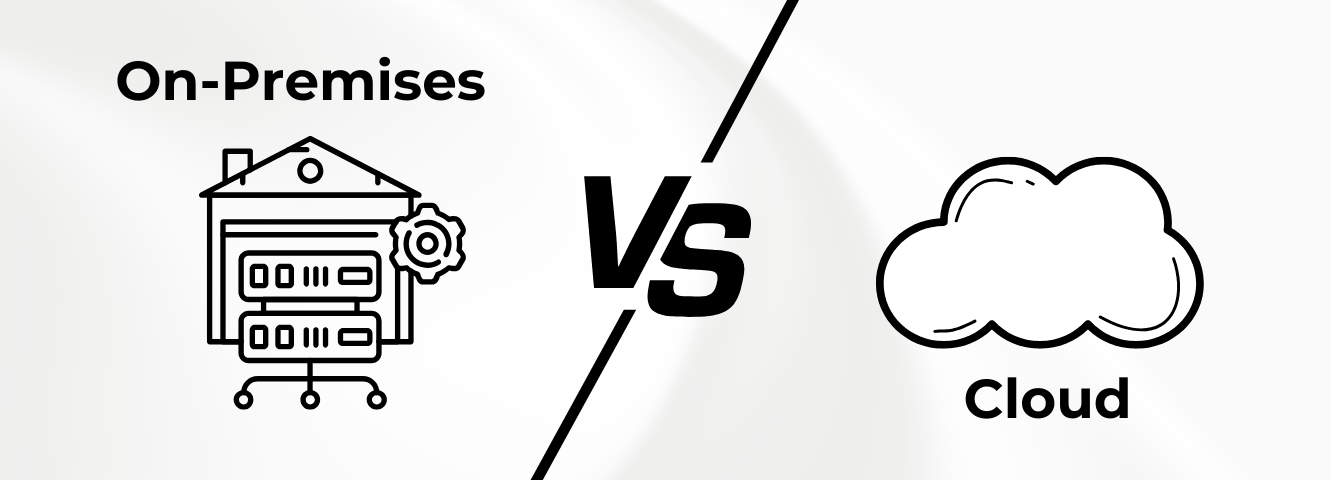
Cloud has long been part of many IT strategies: new applications are created “cloud-first,” teams work from anywhere, and services can be provided in minutes instead of weeks. At the same time, there are good reasons why on-premises continues to play an important role in many companies — for example when it comes to strict compliance requirements, existing system landscapes or special control and operation requirements.
The central question is therefore not “Cloud or not cloud? “, but: Which type of business suits your goals, risks and resources? In this article, we clarify the terms, compare on-premises and cloud in a structured way and show why a hybrid strategy is often the most sensible way in practice.
The most important things in brief
- On-premises: IT runs in-house. High level of control. More effort for operation and safety.
- Cloud: Services come from the provider. Ready to go quickly. Highly scalable. Responsibility is shared.
- Differences: On-prem often fits strict requirements. Cloud often fits the pace and growth.
- Hybrid: Combine the two. Often the best compromise. For example, co-management with SCCM/MECM and Intune.
1. What is on-premises?
On-premises (also “on-prem”) refers to an IT infrastructure in which software and hardware are operated within the company. Servers, applications and data are located in the company's own network and are maintained and operated either by internal IT or — depending on the setup — by an external IT service provider.
The company thus maintains full control over systems, configurations and data storage, but is also responsible for issues such as updates, security, capacity planning, and backup and recovery. Typical components of an on-premises environment include servers, databases, security mechanisms, and backup and recovery structures.
2. What is cloud computing?
“Cloud” usually means that IT resources are not operated in the company's own data center, but are provided by an external provider via the Internet. Instead of buying, installing and operating servers and storage themselves, companies can flexibly use computing power, storage, platforms, or complete applications as a service and scale them up or down as needed.
In many cases, this reduces investment costs in your own hardware, simplifies backup and availability concepts and enables new systems to be deployed very quickly because many things are already preconfigured.
In practice, a distinction is often made between three cloud service models: With IaaS (Infrastructure as a Service), basic resources such as virtual servers, network and storage are obtained, with PaaS (Platform as a Service), the provider also provides a platform for development and operation, and with SaaS (Software as a Service), you use finished applications directly as a service without having to worry about operation and updates.
3. Comparing on-premises versus cloud
On-premises and cloud follow different principles: While on-premises primarily focuses on maximum control and individual adaptability, the cloud typically scores points with rapid deployment, flexible scaling and a consumption-oriented cost model. Which option is more suitable depends heavily on how important various factors are for your company.
4. Hybrid cloud: combination of on-premises and cloud
A hybrid cloud strategy combines on-premises and cloud resources in such a way that workloads run where it makes the most sense functionally, technically, and organizationally. In practice, this often means that sensitive or heavily regulated systems remain on-premises, while scalable services, modern collaboration, or new applications are operated in the cloud.
Hybrid can be particularly useful when security, latency, or data storage requirements are high, but you want to take advantage of the benefits of the cloud — such as rapid deployment and flexible scaling — at the same time. It is important to properly orchestrate the differences in operations, identities, authorizations and security mechanisms so that there are no “two worlds” that are difficult to manage.
A typical practical example is that Co-manage with Microsoft Configuration Manager (SCCM/MECM) and Intune: Existing on-premises structures and processes can continue to be used, while cloud functions are gradually being added — for example for device management, policies, or remote scenarios. The result is a controlled transition that reduces risks and at the same time enables modernization without changing everything at once.
5. conclusion
Whether on-premises, cloud or hybrid is the best solution is decided not by trends, but by the requirements of your company. Anyone who needs maximum control over data storage, operation and individualization — for example in heavily regulated areas or critical processes — is often better off with on-premises or a clearly defined hybrid approach. Companies with a strong focus on growth, distributed teams, or the goal of providing new services quickly, on the other hand, often benefit from cloud services and their flexibility. In many cases, hybrid is the most pragmatic way: Existing systems remain stable while modern cloud functions are integrated step by step.
It is important to weigh up the pros and cons transparently — particularly with regard to security, operating costs, cost structure and compliance. SOFTTAILOR helps you to develop the appropriate target architecture and to closely support the implementation — whether on-premises, cloud or hybrid.

Dorian has been involved in corporate and IT strategy since 2011. Due to the endpoint security deficiencies of many companies and the information overload, he developed the endpoint strategy. Dorian is co-founder of the “Endpoint Management” expert group at IAMCP e.V.


Years of Experience
Managed Endpoints